Send us your flyer
We set up your design, picture slots, and approved zmanim settings.

WEEKLY ZMANIM FLYERS FOR SHULS & COMMUNITIES
Keep your shul's flyer design. Change pictures and sponsor ads.
Get fresh Shabbos zmanim in your inbox every week.
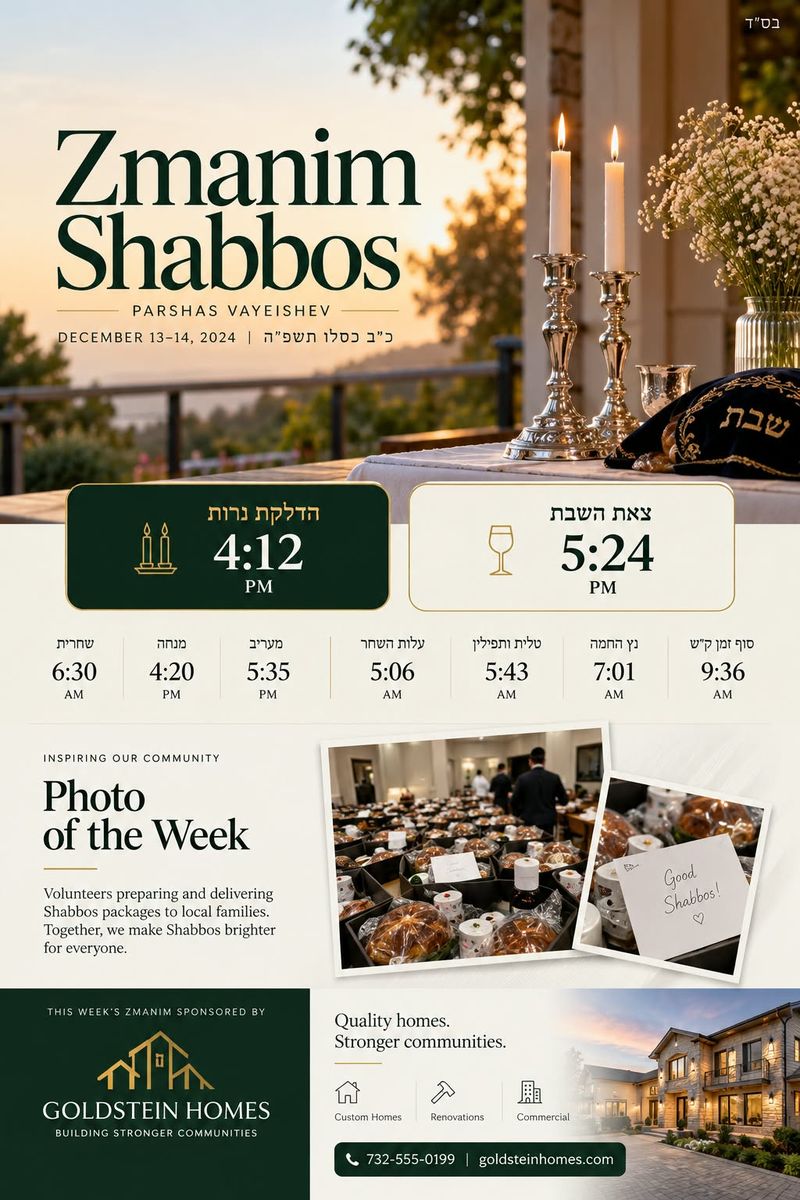
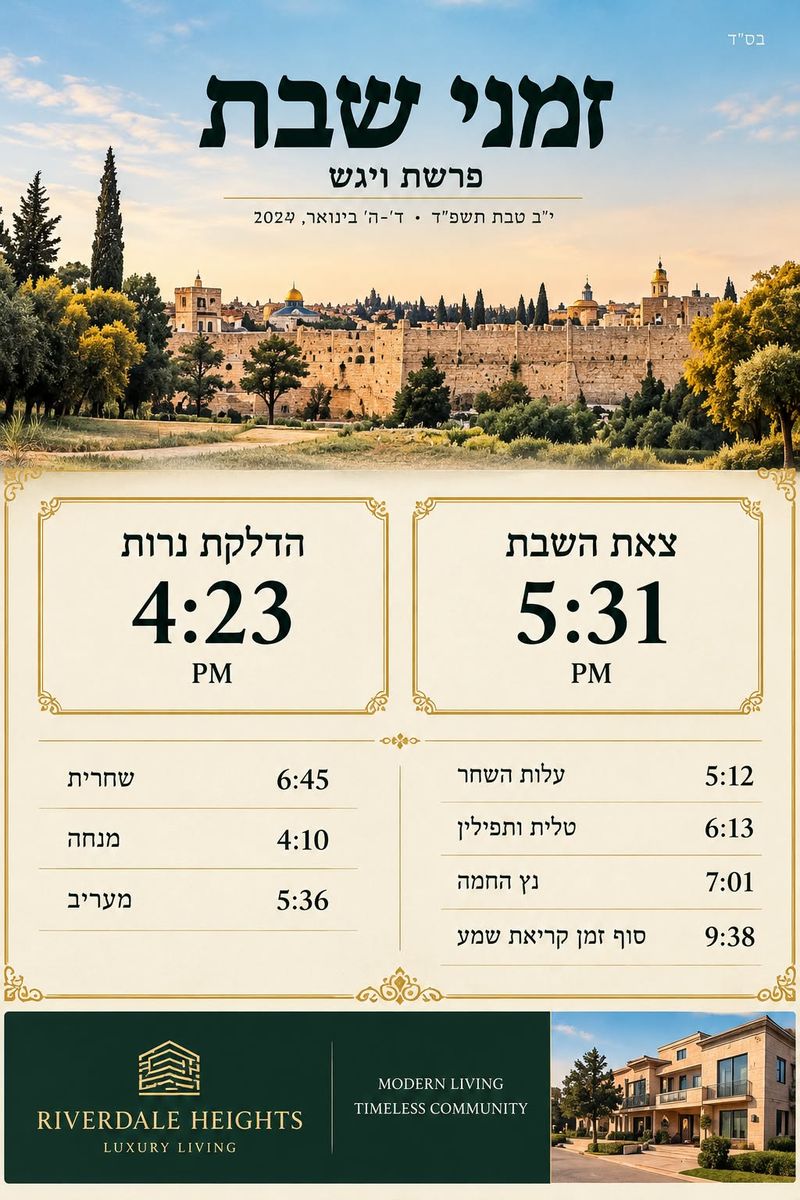
Set it up once.
No weekly redesign.
We set up your design, picture slots, and approved zmanim settings.
Replace a picture or sponsor ad. Crop it to fit. Click Save.
Your JPEG arrives with fresh dates, zmanim, and a link to make changes.
New accounts start with review before delivery. Flyers with a failed time check are held.
You control the pictures.
We handle the weekly update.
Choose up to five email addresses. Change them in Settings whenever you need.
Wednesday at 3 PM in your time zone by default. Choose a different day or time.
Past pictures, sponsor ads, and every generated flyer, in separate sections.
Invite an editor with their own login. No sharing passwords.
GET STARTED
Tell us about your shul or community. We'll get back to you to set up your flyer.
Save creates an updated flyer for your chosen recipients. New accounts start with review before it goes out. Once automatic delivery is enabled, checked versions send after Save. Time mismatches always hold delivery.
The last approved pictures are kept, but dates and zmanim are updated. The email warns you that the weekly pictures haven't changed and includes a link to update them.
Yes. Your flyer is set up first, with fixed layout and editable picture and ad slots. This isn't a drag-and-drop design tool, and clients don't edit time calculations.
Each flyer uses its organization's approved location and calculation settings, with Hebcal as the primary reference. Equivalent times more than one minute apart, missing data, or incompatible settings stop delivery for review. A check isn't a guarantee of halachic correctness. Initial setup and approval still matter.
Yes. Cancellation stops future flyer emails. Reach out through the form below and we'll take care of it.